List
Description
The list property is similar to the String Property in the way it is stored. Certain character combinations are possible, but have to be chosen from a pre-defined list of possible entries.
| Feature | Value |
|---|---|
| Theme injectable | ✓ |
| Possible Inputs | A-Z, a-z, 0-9, Special characters |
Occurrences
Toolbar
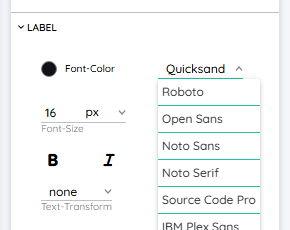
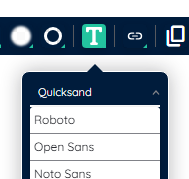
The list property can be selected with the Toolbar Extension List Picker in the Toolbar. You can choose from a list of options here. The list is presented as a simple dropdown menu - for example selecting a font family can be done via this picker.
Detail Panel
The list property can be selected with the Detail Panel List Picker in the Detail Panel. You can choose from a list of options here. The picker inside the Detail Panel does not differ from it's counterpart inside the Toolbar.